
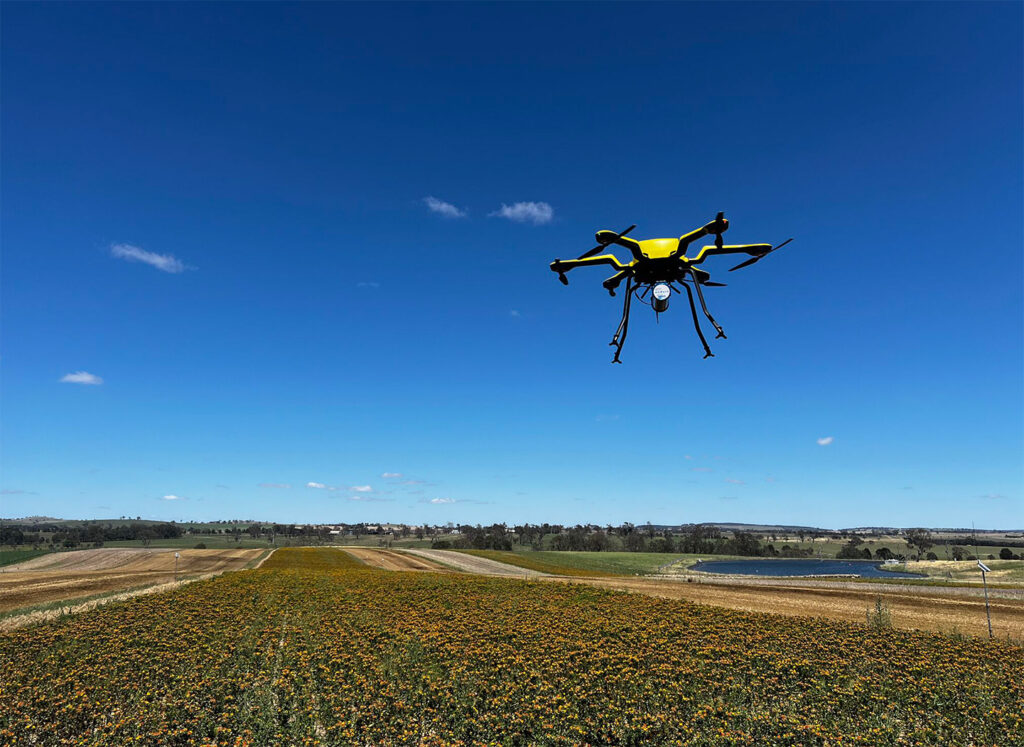
Connecting to a Medusa sensor and starting a survey is a straightforward process designed to minimise setup time in the field:
- Power on – Connect the sensor to its power source. The sensor boots automatically.
- Connect via Wi-Fi – On your tablet, phone, or laptop, connect to the Wi-Fi network broadcast by the sensor (network name and password are on the sensor label or in the manual).
- Open mDOS – Open a web browser and navigate to the sensor’s IP address (e.g. 192.168.1.1). The mDOS interface loads automatically.
- Check GPS lock – Wait for the GPS indicator to confirm a position fix before starting logging.
- Start logging – Press the start button in mDOS. The sensor begins recording spectra and GPS data at the set logging interval.
- Survey – Drive, walk, or fly your survey pattern. Data is logged continuously and displayed in real time.
- Stop and export – When finished, stop logging and download the data file from mDOS for post-processing.
The complete workflow is described step by step in the mDOS user manual, available at docs.medusa-radiometrics.com.